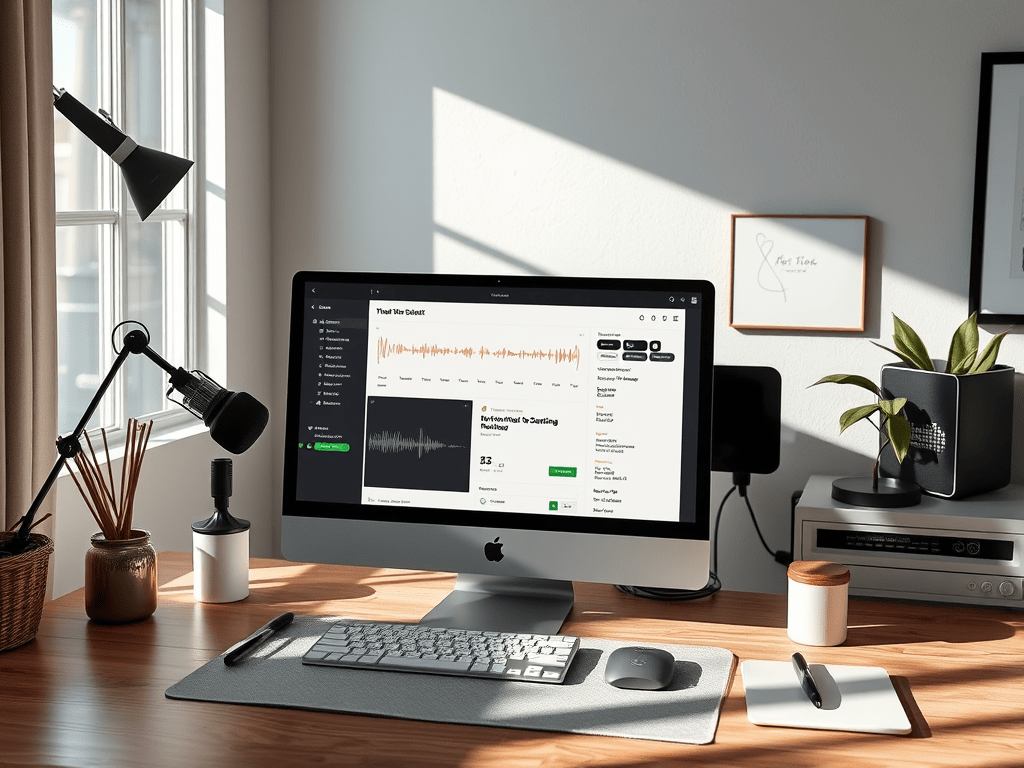
Two FREE Notion templates to run your podcast like a pro, without the chaos.
Let me tell you about the moment I realized that most podcast hosts are doing way more mental work than they should.
I was managing three shows at once (coordinating guests, editing audio, writing show notes, scheduling posts), and I noticed something. Every single time an episode moved from recording to publishing, there was a quiet anxiety underneath it all.
Did I send the guest their promo materials?
Did I remember to embed the episode player in the blog post?
Did I actually schedule the LinkedIn post, or did I just think about it?
That mental load (that constant double-checking) is invisible. Your listeners don’t see it. Your guests don’t see it. But you feel it every single week.
So I built a system. And today, I’m giving it to you for free.
What’s Inside
I’m sharing two Notion templates that I use (and constantly refine) while managing podcasts for my clients:
Template 01: Episode Production Workflow
A complete episode checklist from the moment recording ends to the moment your episode goes live. It covers seven stages:
• Pre-production: guest confirmation, briefing docs, equipment reminders
• Recording day: file naming, backups, notes
• Audio editing: every step from noise reduction to final export
• Show notes & content: blog post, newsletter, all social captions
• Social media assets: graphics, audiograms, video posts
• Scheduling & publishing: hosting platform, website, social
• Post-publish: guest outreach, promo materials, cross-posting
You duplicate one page per episode and work through it in order. Nothing gets forgotten. Nothing falls through the cracks.
| TEMPLATE 01 | Episode Production Workflow |
Template 02: Guest Communication Kit
Every email template you’ll ever need for a podcast guest, from the moment you reach out to the moment you ask them (gently) to share the episode. Seven templates total:
• Initial outreach email
• Booking confirmation
• Pre-recording briefing (topics, tech tips, what to expect)
• Recording day reminder
• Post-recording thank you + next steps
• Episode launch notification with promo materials
• Optional share reminder (3–5 days after launch)
These templates remove the awkward ‘what do I even say here?’ moment from every stage of the guest relationship.
| TEMPLATE 02 | Guest Communication Kit |
Why Notion?
Notion is free, flexible, and it actually works the way your brain works when you’re managing a podcast. You can duplicate templates, check things off, add notes, and keep everything in one place.
Both templates are designed so you can duplicate a fresh copy for each episode or guest, fill in the properties at the top (episode title, guest name, publish date), and just work through the checklist.
No hunting through emails to find what you sent a guest three weeks ago. No spreadsheets with fifteen tabs. Just a clean, clear workflow.
Who These Templates Are For
These templates were built for podcast hosts who are managing their own show (or who are about to start), and want a system that actually holds up when things get busy.
If you publish regularly, work with guests, and have ever thought ‘I need to get more organised about this’, these are for you.
And if you’re at a point where you’d rather hand all of this off entirely, that’s what I do. But the templates are a great place to start.
A Note From Me
I’ve been managing podcasts long enough to know that the invisible work (the organizing, the communicating, the follow-through) is what separates a chaotic show from a smooth one.
Your listeners hear a polished episode. What they don’t hear is everything that happened behind the scenes to make it sound that way.
These templates are my way of handing you a little bit of that calm. I hope they help.
P.S. If you use the templates and want to share how they’re working for you, I’d genuinely love to hear about it. Drop me a message anytime.
Need help putting this into practice?
If you’d love someone to manage all of this for you (the editing, the content, the guest communication), that’s exactly what I do.
 Tulip Podcast Manager 🎙️ Bojana Lalic