
Podcasting is more than just pressing the “record” button. To create a polished, professional show that attracts and retains listeners, you need the right tools. Whether you’re editing audio, designing your podcast website, or engaging with your audience, having the best software on hand can make all the difference.
In this post, we’ll walk through the top 5 software tools you should be using to make your podcasting journey smoother, more efficient, and ultimately more successful.
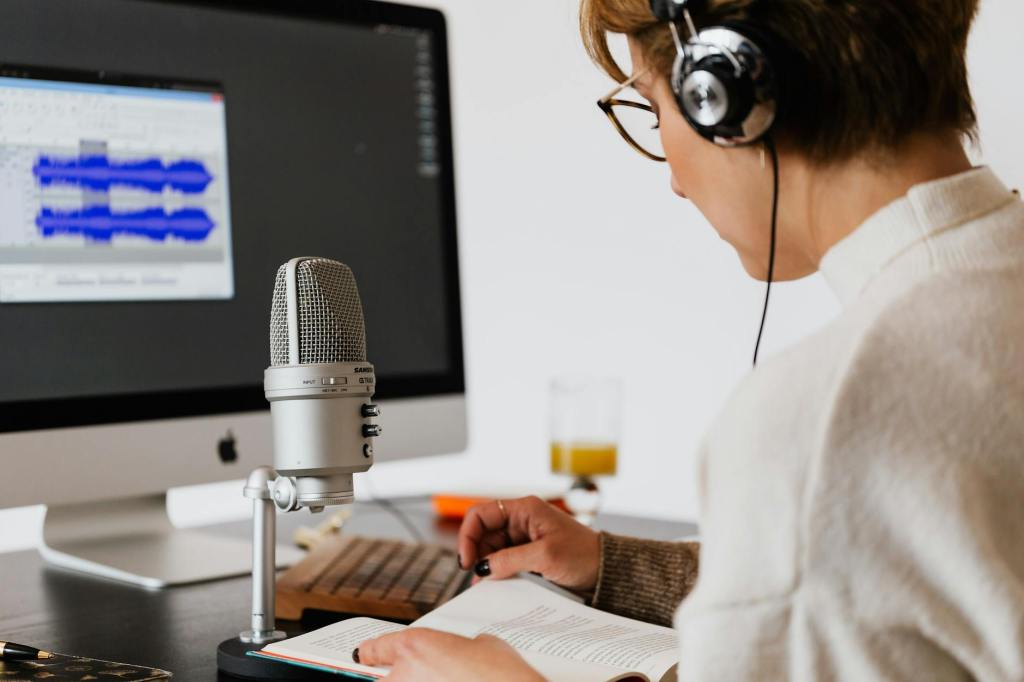
Audacity – Best Free Audio Editing Tool
Why It Matters
When you’re just starting out, you don’t need to spend a fortune on audio editing software. Audacity is a powerful, free tool that allows you to edit your podcast’s audio with precision, whether it’s for removing unwanted background noise, cutting out pauses, or adding effects.
What You Can Do with Audacity
- Edit audio tracks with ease.
- Cut, copy, and paste audio segments.
- Apply noise reduction, compression, and equalization.
- Add music, sound effects, or voiceovers.
If you accidentally cough during an episode, you can simply use Audacity to zoom in and cut out the section without affecting the surrounding audio. It’s like a virtual editing assistant!
Descript – Best for Transcription and Video Editing
Why It Matters
Descript offers a unique feature that makes podcasting even easier—text-based audio editing. You can transcribe your podcast episode, edit the transcript, and it will automatically edit the audio. Plus, you can create video podcasts directly within Descript, making it a great all-in-one tool.
What You Can Do with Descript
- Automatically transcribe your podcast episodes.
- Edit your audio directly from the transcript.
- Create video podcasts and audiograms.
- Use the Overdub feature to replace words in your audio with text.
Let’s say you realize you mispronounced a guest’s name. Instead of re-recording, you can just type the correct name in the transcript, and Descript will adjust the audio accordingly.
Buzzsprout – Best for Easy Podcast Hosting and Distribution
Why It Matters
Buzzsprout is a popular podcast hosting platform that simplifies distribution across multiple platforms like Spotify, Apple Podcasts, Google Podcasts, and more. It’s user-friendly and even lets you record your episodes directly in the app.
What You Can Do with Buzzsprout
- Host and distribute your podcast to multiple platforms.
- Record episodes directly from your phone or computer.
- Use Buzzsprout’s monetization options, including sponsorships.
- Analyze performance with detailed analytics.
Buzzsprout makes it easy for beginner podcasters to get their episodes out quickly. You can record and edit your episode, then hit “publish” and distribute it with just a few clicks. No complex setup needed!
Canva – Best for Visual Design and Branding
Why It Matters
If you want your podcast to look as good as it sounds, you’ll need design tools. Canva is an easy-to-use graphic design platform that allows you to create visually stunning podcast cover art, social media posts, and promotional materials without needing to be a design expert.
What You Can Do with Canva
- Design eye-catching podcast cover art.
- Create social media posts, banners, and audiograms.
- Customize templates for various platforms (Instagram, Facebook, YouTube).
Imagine you’re promoting your latest podcast episode on Instagram. Using Canva, you can create a stylish image with episode details, quotes, and eye-catching visuals, all in a matter of minutes.
Hootsuite – Best for Social Media Scheduling
Why It Matters
Promoting your podcast on social media is crucial for growth, but managing multiple platforms can be time-consuming. Hootsuite allows you to schedule posts across various social media platforms, so you can plan ahead and stay consistent without having to log in and post manually every day.
What You Can Do with Hootsuite
- Schedule and manage posts across multiple social platforms (Facebook, Instagram, LinkedIn, etc.).
- Monitor mentions and engage with your audience.
- Track performance and analyze social media metrics.
Say you’ve just recorded a new episode and you want to promote it on multiple social media platforms. With Hootsuite, you can schedule posts for the next few days, ensuring that your podcast promotion remains consistent even when you’re busy.
Podcasting doesn’t have to be a complicated process. By using the right software, you can streamline your workflow, improve the quality of your content, and grow your audience more effectively. Whether you’re editing audio, creating videos, managing your podcast’s distribution, or promoting it on social media, these tools can help you maximize your podcast’s potential.
Remember, podcasting is about sharing your voice and creating value for your audience. With the right tools in hand, you’ll be able to focus more on the creative aspects and less on the technical side.
Which tool do you think will help your podcast the most?
Let us know in the comments or get in touch if you need help setting up any of these tools!



 Tulip Podcast Manager 🎙️ Bojana Lalic
Leave a comment