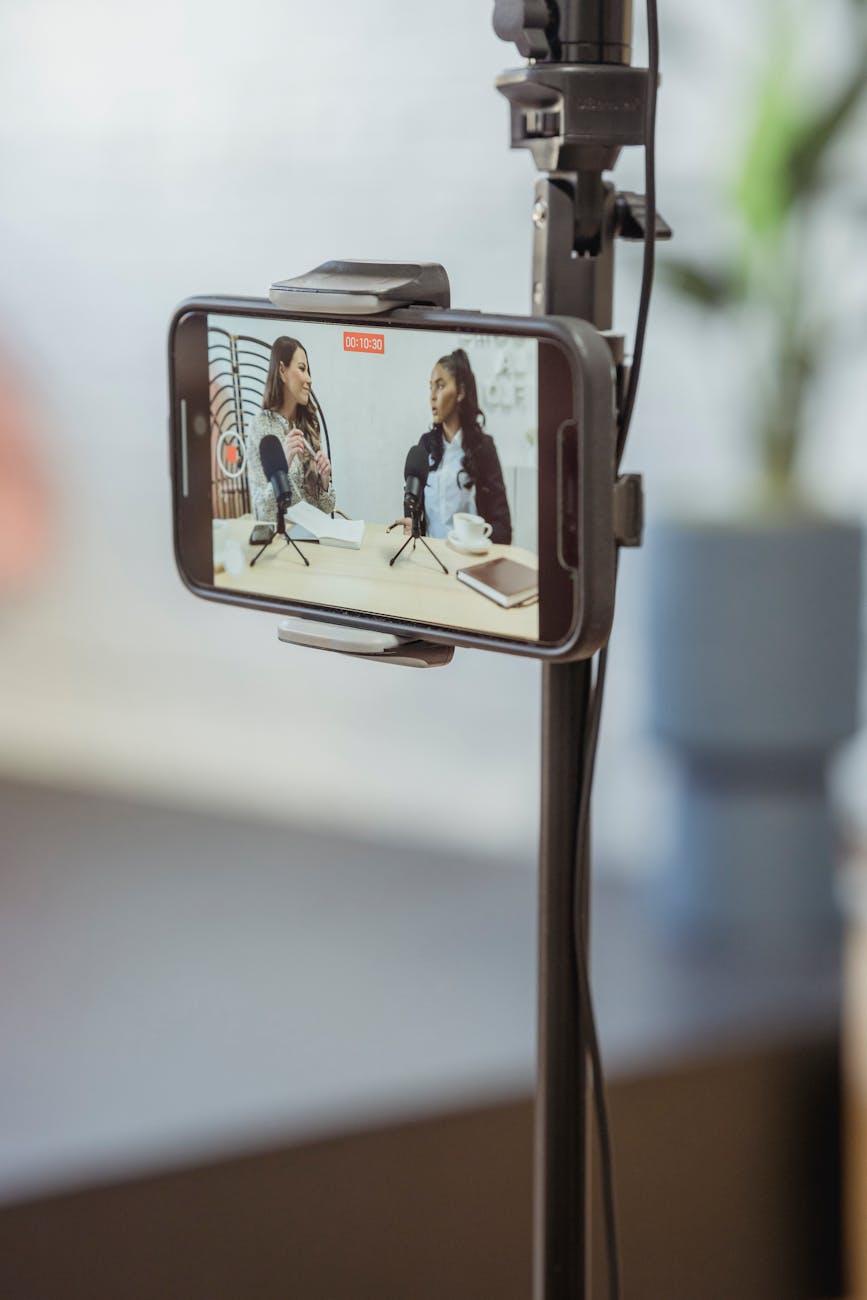
As a podcaster, you know that YouTube isn’t just for vloggers anymore. Video podcasting is one of the best ways to reach new audiences, build stronger connections with your current listeners, and expand your podcast’s visibility. However, many podcasters make a mistake when they take their audio podcast and simply upload it to YouTube without taking any extra steps.
If you want your podcast videos to succeed on YouTube, there’s one crucial step you cannot afford to skip: Optimizing your video for YouTube. Without this, your videos are more likely to flop and get buried in the sea of content on the platform.
In this blog post, we’ll discuss why optimizing your podcast videos for YouTube is essential, and we’ll guide you through the steps you need to take to ensure your videos get the attention they deserve.
Why Optimization Is Key for Podcast Videos on YouTube
YouTube is a Search Engine
Why It Matters
Unlike traditional social media platforms, YouTube functions as the second largest search engine in the world, after Google. People actively search for content they want to consume. So, if you don’t optimize your video for YouTube’s algorithm, you won’t get discovered by new listeners.
What to Do
Use descriptive titles, include relevant keywords in your video description, and add tags that will help people find your podcast when they search. The more optimized your video is, the easier it is for YouTube’s algorithm to recommend it to new viewers.
Catchy Thumbnails Are a Must
Why It Matters
Your video’s thumbnail is the first thing people see when browsing YouTube. A good thumbnail will grab their attention and encourage them to click on your video. A generic, unappealing thumbnail will have the opposite effect and cause people to scroll right past.
What to Do
Design custom thumbnails that reflect your podcast episode’s content. Use bold, readable text, bright colors, and high-quality images to make your thumbnail stand out. Remember, your thumbnail should give potential viewers a reason to click.
Captions and Subtitles Improve Engagement
Why It Matters
Adding captions or subtitles not only makes your content accessible to a wider audience, including those who are deaf or hard of hearing, but it also helps viewers who may be watching with the sound off (which is common on mobile devices or in public places).
What to Do
Use YouTube’s automatic captions feature, but take the time to edit and correct any errors. Alternatively, you can use tools like Descript or Rev to add more accurate subtitles. This step boosts engagement and helps your video reach more people.
Time Stamps and Chapter Markers
Why It Matters
Viewers on YouTube often want to jump to specific parts of the video. Adding time stamps and chapter markers allows viewers to easily navigate to the most relevant sections of your podcast. This not only helps improve the user experience but also boosts your watch time and video performance.
What to Do
Include time stamps in your video description, and break the video into chapters with clear labels. This way, viewers can quickly find the parts of the episode that interest them the most.
How to Optimize Your Podcast Videos for YouTube: Step-by-Step
Create an Engaging Title
Why It Works
Titles are the first thing people see when browsing YouTube, so they need to grab attention and be relevant to the search queries of potential viewers.
How to Do It
Use compelling titles that clearly describe what your podcast episode is about, while also including keywords your target audience might be searching for. For example, if your episode is about podcasting tips, a good title could be: “Top 5 Podcasting Tips to Grow Your Audience Fast.”
Write a Keyword-Rich Description
Why It Works
The description is crucial for YouTube’s algorithm to understand what your video is about and categorize it correctly.
How to Do It
Write a detailed video description that explains what the episode covers and includes relevant keywords. Aim to include 200-300 words and naturally incorporate keywords related to the topic. Also, be sure to include links to your podcast website, social media, or other episodes.
Add Tags and Categories
Why It Works
Tags help YouTube understand the content of your video, while categories ensure your video is placed in the correct section on the platform.
How to Do It
Add a mix of broad and specific tags (such as “podcasting,” “content creation,” “business podcast”) and choose the right category for your podcast episode (such as “Education” or “How-To”).
Design and Upload a Custom Thumbnail
Why It Works
Thumbnails significantly increase your click-through rate (CTR). A high CTR means more people are interested in your video, which can lead to higher rankings on YouTube.
How to Do It
Use a tool like Canva to design your thumbnail. Include bold text, a clear image, and vibrant colors to make your video stand out. Aim for a size of 1280 x 720 pixels for the best resolution.
Engage with Your Viewers
Why It Works
YouTube’s algorithm rewards videos with high engagement. Responding to comments and encouraging interactions helps boost your video’s visibility.
How to Do It
Ask viewers to leave comments, like your video, and subscribe to your channel. Respond to their comments, engage with them, and build a community around your podcast.
Don’t let your podcast videos flop on YouTube! By skipping the optimization process, you’re missing out on a huge opportunity to grow your audience and increase engagement. Take the time to craft engaging titles, create captivating thumbnails, add captions, and leverage time stamps. By optimizing your podcast videos for YouTube, you’ll improve your chances of standing out and attracting more viewers.
Remember, consistency is key—if you continue to refine your video strategy and optimize each episode for YouTube, you’ll see growth over time. Start applying these strategies today and watch your podcast videos thrive on the platform!



 Tulip Podcast Manager 🎙️ Bojana Lalic
Leave a comment