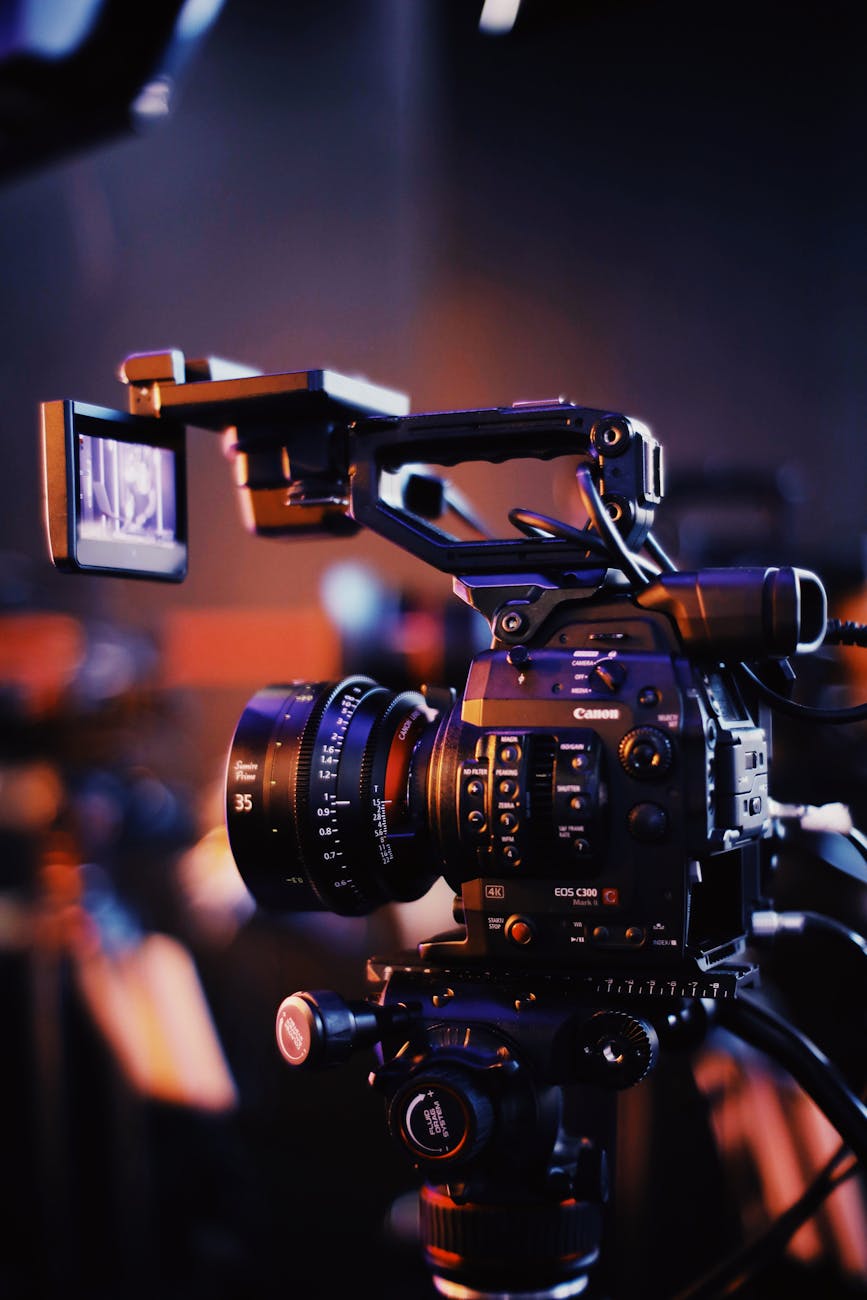
Podcasting isn’t just about great audio anymore—video podcasts are on the rise, and they offer a fantastic way to connect with your audience visually. Whether you’re starting a video podcast or enhancing your existing content, video quality is key to keeping your audience engaged. Poor video quality can turn potential listeners away, while high-quality videos keep them coming back for more.
In this blog post, we’re going to explore three easy ways to increase your podcast’s video quality. You don’t need expensive gear or advanced editing skills; with a few simple tweaks, you can take your podcast videos to the next level.
Lighting Makes a Huge Difference
Why It Works
One of the biggest factors that affect video quality is lighting. Even the best camera won’t look great without proper lighting, and poor lighting can create shadows, make you look washed out, or create a blurry image.
How to Do It
Use Natural Light
If possible, position yourself near a window where natural light can illuminate your face. Make sure the light is in front of you (not behind) to avoid being silhouetted.
Invest in a Ring Light
A good quality ring light is an affordable way to drastically improve your video quality. It provides even lighting on your face and reduces harsh shadows. Ring lights come in different sizes, and you can easily adjust the brightness to match the mood you want.
Softboxes
If you’re serious about your video quality, softboxes are another great investment. They offer soft, diffused light and minimize harsh shadows, giving your videos a more professional look.
Stabilize Your Camera
Why It Works
A shaky camera can quickly make your video hard to watch. Whether you’re recording with your phone or a professional camera, stabilization is essential for creating a smooth, enjoyable viewing experience.
How to Do It
Use a Tripod
If you’re recording with your phone or camera, a tripod is a must-have. It keeps your device steady and prevents shaky hands from ruining your shot.
Use a Gimbal or Stabilizer
For more dynamic shots or movement, a gimbal or stabilizer can be a great tool. It allows you to walk or move around while keeping the camera steady, resulting in smooth footage.
Check Your Setup
Before hitting record, make sure your setup is secure. Whether you’re on a desk, table, or other surface, double-check that your camera or phone is stable and won’t tip over.
Focus on High-Quality Audio and Video Syncing
Why It Works
Great video can be completely undermined by poor audio. It’s important that your video and audio are in sync so that your audience can hear clearly while watching you. Out-of-sync audio and video can be distracting and make your content less enjoyable.
How to Do It
Use an External Microphone
If you’re recording a video podcast, always use an external microphone instead of the built-in mic on your camera or phone. An external mic will capture clearer, crisper sound and make your audio quality much better.
Check Syncing
Sometimes, video and audio can get out of sync, especially if you’re recording separately. Be sure to check your video and audio before publishing. If they’re out of sync, there are simple editing tools in programs like Descript or Adobe Premiere Pro that can help you adjust them.
Choose the Right Recording Software
Use professional recording software that supports both high-quality video and audio capture, like OBS Studio or Ecamm Live. These programs allow you to tweak settings and ensure the audio and video sync properly.
Bonus Tip: Optimize Your Editing Process
Why It Works
Great editing can enhance your video quality further by cutting out unnecessary parts, adjusting the color, and fine-tuning audio.
How to Do It
Use editing software like Descript, Adobe Premiere Pro, or Final Cut Pro to trim the video, enhance colors, and adjust the sound to get the best final product. The more effort you put into editing, the better the outcome will be.
Improving the video quality of your podcast doesn’t require a huge budget or expensive equipment. With proper lighting, a stable camera setup, and attention to syncing your audio and video, you can significantly enhance your content. Keep these tips in mind, and you’ll have your podcast videos looking professional and polished in no time.
Remember, good content is key, but quality visuals will take your podcast to the next level and engage your audience on a deeper level. So, whether you’re just starting out or want to improve your current setup, these tips will help you make your podcast shine!



 Tulip Podcast Manager 🎙️ Bojana Lalic
Leave a comment