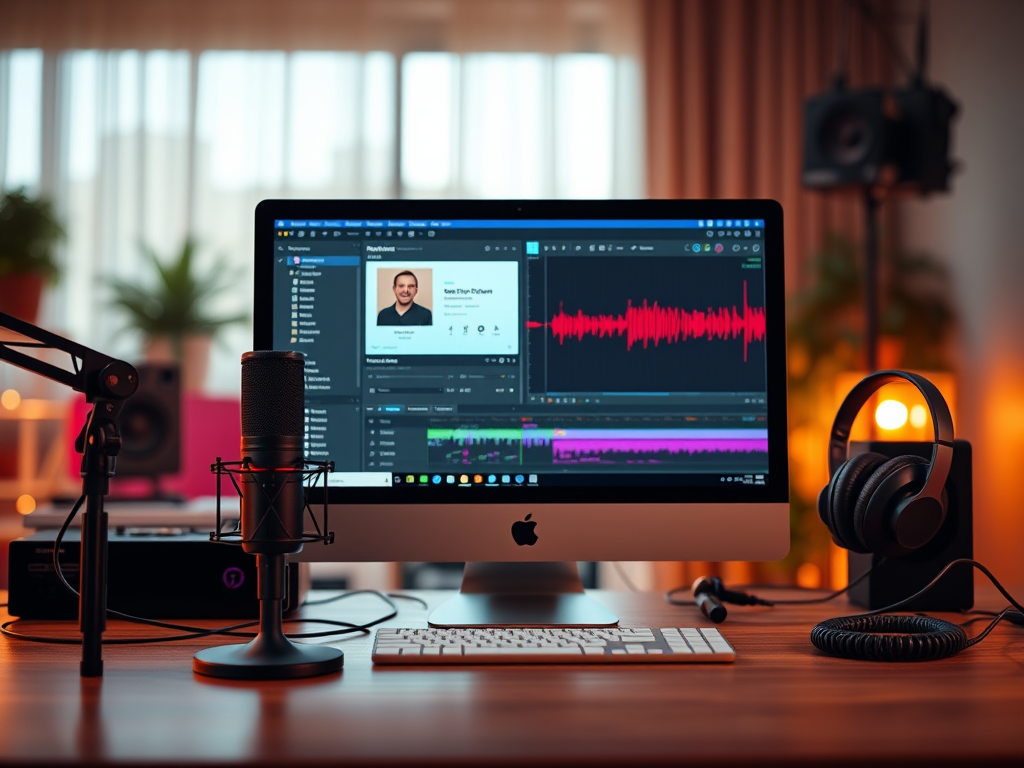
Podcasting is a fantastic way to connect with your audience, but with video content on the rise, it’s important to consider how you can turn your audio podcast into visually engaging content. Luckily, thanks to tools like ChatGPT and Descript, you can now create podcast videos quickly and effortlessly, without requiring advanced video editing skills.
In this post, we’ll walk you through how combining ChatGPT with Descript can streamline your podcasting workflow and help you turn audio into engaging video content in minutes.
Why Podcast Videos Matter
Increased Visibility
Videos are one of the most engaging types of content across social media platforms. Posting podcast videos on platforms like YouTube, Instagram, or TikTok gives you the chance to reach a wider audience and increase visibility.
Better Engagement
Podcast videos allow listeners to engage in a different way. Visual content paired with your podcast’s audio makes it easier for your audience to connect with you and your message. Whether it’s through YouTube or social media, videos are shared more often and reach further.
Repurposing Content
Creating videos from your podcast is an excellent way to repurpose your content. You can reach people who prefer visual content, even if they don’t typically listen to podcasts.
Using ChatGPT + Descript to Create Podcast Videos: A Simple Workflow
Both ChatGPT and Descript are powerful tools that, when combined, allow you to create professional-quality podcast videos quickly and easily. Here’s how you can leverage them:
Use ChatGPT for Episode Summaries and Captions
Why It Works
ChatGPT can help you write summaries, captions, or even timestamps for your podcast episodes. This text-based content can be used as captions for your video, making it more accessible and easier for your audience to follow.
How to Do It
Once you’ve recorded your podcast, use ChatGPT to create a summary or an episode description. You can also use ChatGPT to generate catchy episode titles or even hashtags for promoting your content. If you want, you can also generate a short teaser or post episode key points to keep your audience interested.
Upload Your Audio to Descript
Why It Works
Descript is a user-friendly platform that allows you to transcribe and edit podcast episodes. Not only can you remove filler words like “uhms” and “ahs” with ease, but you can also create video content from your audio files.
How to Do It
After editing your podcast audio in Descript, you can use its “Screen Recording” feature or its “Video Overlays” to add images, video clips, and captions. Upload your podcast’s audio, then select the option to convert the file into a video format. You can pair this with visual elements like your podcast’s logo, guest photos, or stock footage, to make your video more engaging. You can also use Descript’s video editing capabilities to clean up and polish your video content, making sure your podcast is both visually and audibly appealing.
Add Captions and Text Overlays
Why It Works
Captions are essential, not just for accessibility but also for engagement. A significant portion of people watch videos on social media with the sound off, so adding captions ensures that your message is still communicated.
How to Do It
In Descript, you can easily add subtitles or text overlays to your podcast video. Use the summary or key points generated by ChatGPT as captions. You can highlight specific quotes, stats, or comments from the episode, making the video more interactive and informative.
Export and Share on Social Media
Why It Works
Once you’ve finished editing, you’re ready to share your video across your platforms. Video content tends to get more attention than audio alone, especially on social media.
How to Do It
Export your video from Descript in the format that suits your preferred platform (e.g., square videos for Instagram, landscape for YouTube). Share your video with captions, teasers, and hashtags. You can also repurpose sections of your video for Instagram stories or TikTok to further promote your podcast.
Benefits of Using ChatGPT + Descript
Save Time
Automating tasks like episode summaries and captions with ChatGPT, combined with Descript’s easy editing features, significantly reduces the time it takes to create podcast videos.
Create Engaging Content
The combination of visuals, captions, and high-quality audio makes your podcast video more engaging for listeners and more shareable across platforms.
Increase Accessibility
Adding captions helps you reach a broader audience, including people with hearing impairments, non-native English speakers, or anyone watching without sound.
Repurpose Content Efficiently
Using these tools to create podcast videos allows you to efficiently repurpose your podcast content for multiple platforms, reaching new listeners and increasing your podcast’s visibility.
Podcasting is evolving, and video content is an essential part of reaching a broader audience. By combining ChatGPT and Descript, you can easily transform your audio podcast into polished, professional videos without spending hours on editing or creating content from scratch. This efficient workflow helps you grow your podcast’s reach, engage your audience, and make the most of your content.



 Tulip Podcast Manager 🎙️ Bojana Lalic
Leave a comment