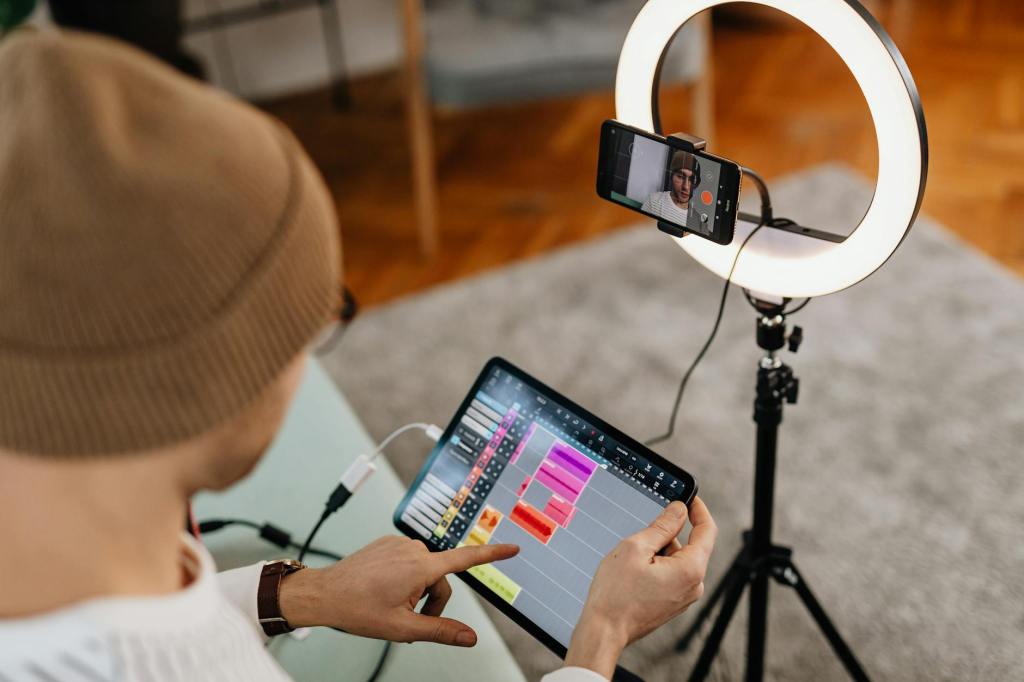
When it comes to video podcasting, high-quality visuals can make a huge difference in how your content is perceived. But here’s the thing: You don’t need an expensive camera or fancy studio equipment to achieve professional-looking video. With a few budget-friendly upgrades, you can significantly improve your video quality and make your podcast stand out.
Let’s explore three cheap but effective ways to boost your video quality without breaking the bank.
Improve Lighting: Lighting is Everything
Why It Matters: Good lighting can transform an average video into something that looks much more professional. Poor lighting can make your video look grainy, shadowy, and hard to watch.
How to Do It: You don’t need expensive lighting kits to improve your video quality—natural light can be a great place to start. Position yourself near a window where the light is soft and diffused. If you’re recording at night or in a room with little natural light, invest in a basic ring light or softbox, both of which are inexpensive but highly effective. These tools create a soft, even light that reduces shadows and highlights your face, making you look more polished on screen.
Budget Tip: If you’re really on a tight budget, DIY your lighting! Use a simple desk lamp with a soft white bulb or place a sheer curtain over a window to soften the light. These tricks can make a noticeable difference in the quality of your video without spending much.
Upgrade Your Audio Gear (Without Breaking the Bank)
Why It Matters: While this blog is focused on video, audio quality is just as important. When the audio is bad, even the best visuals won’t save your podcast. Viewers will likely stop watching if the sound quality is poor, so it’s crucial to get this right.
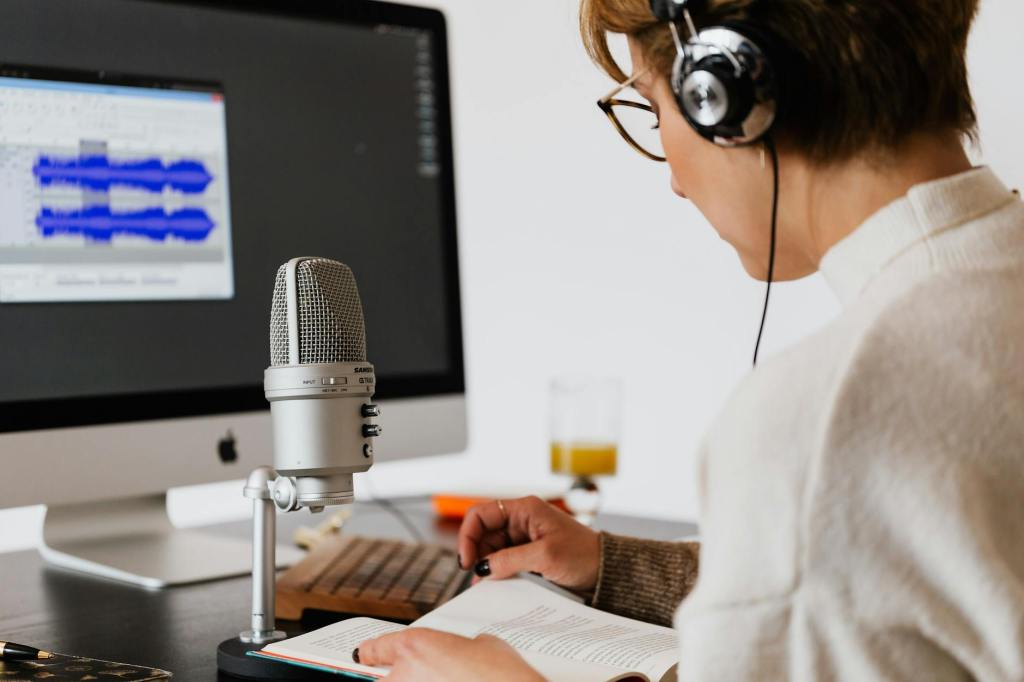
How to Do It: Invest in a budget-friendly microphone that enhances the quality of your audio. USB microphones, such as the Audio-Technica ATR2100x or the Samson Q2U, provide excellent sound without requiring an audio interface or mixer. These mics plug directly into your computer or recording device and can drastically improve the clarity and quality of your voice.
Budget Tip: If you’re not ready to invest in a new microphone, consider using your smartphone’s built-in mic or a lavalier lapel mic, which can be found for under $20. Positioning the mic closer to your mouth will help reduce unwanted noise and improve the overall sound.
Use Free or Low-Cost Editing Software
Why It Matters: Editing is where the magic happens. A good editing tool will allow you to clean up your video, adjust the brightness/contrast, remove background noise, and add transitions, making your video look much more professional.
How to Do It: There are plenty of free or inexpensive video editing tools that can help improve your video’s overall look. Programs like DaVinci Resolve and HitFilm Express are powerful editing software options that are free and allow you to edit like a pro. They offer advanced features like color correction, noise reduction, and audio enhancement—great for giving your video a polished, professional finish.
Budget Tip: For a more beginner-friendly option, iMovie (for Mac users) and Shotcut (for Windows users) are free tools that provide easy-to-use editing features. You can adjust lighting, crop your video, and enhance the overall image quality with just a few clicks.
Bonus Tip: Use Your Environment to Your Advantage
Why It Matters: Your surroundings play a big role in how your video will look. A cluttered or distracting background can take away from the professionalism of your content, no matter how good your camera or lighting is.
How to Do It: Find a clean, quiet space with a simple background. If you’re filming at home, consider using a plain wall or creating a backdrop that fits the vibe of your podcast. Alternatively, you can use virtual backgrounds (many video conferencing tools have this feature) or inexpensive fabric backdrops that won’t cost you a fortune.
Budget Tip: If you’re in a pinch, even hanging a plain sheet or curtain behind you can help minimize distractions and give your video a neat, polished look.
You don’t need to spend a fortune to improve your podcast video quality. With a few simple, budget-friendly upgrades like better lighting, an affordable microphone, and free editing tools, you can elevate your video podcast and keep your audience engaged. Consistency is key, so stick to a regular recording and editing routine, and don’t forget to focus on the little details that can make a big difference.
If you’re ready to level up your podcast game, start with these simple tips and watch your video quality improve without breaking the bank!


 Tulip Podcast Manager 🎙️ Bojana Lalic
Leave a comment